 Password Recovery
 NvAPI_GPU_GetPerfPoliciesInfo(): Reason for error NVAPI_GPUD_NOT-
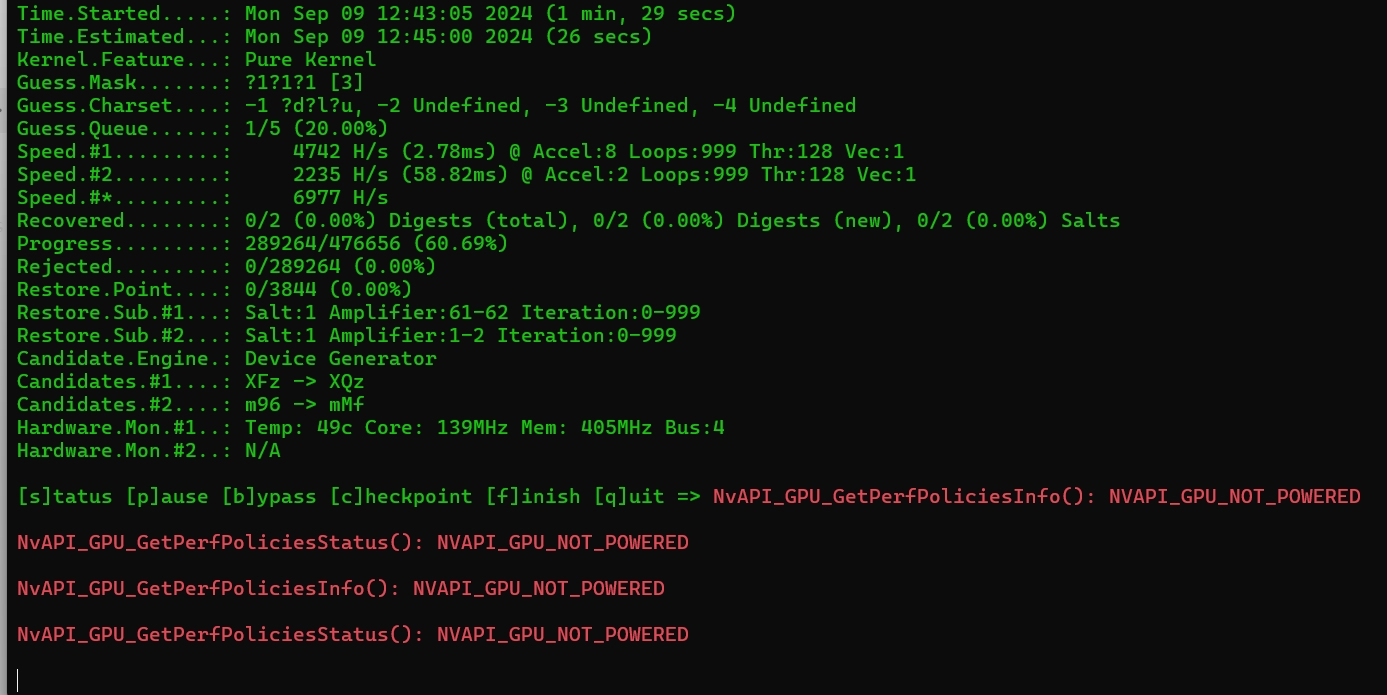 :
:
Power settings: GPU may be in low-power mode, especially on laptops or systems with power-saving mode enabled.
Driver Issues: Outdated or damaged NVIDIA drivers may cause this issue, it is recommended to update or reinstall the drivers.
Hardware issue: There may be a problem with the power connection or insufficient power supply to the graphics card. Check if the power is properly connected to the graphics card.
Power management settings: Ensure that there are no overly strict power management policies set in the system, especially in high-performance applications.
You can try updating the driver or checking the BIOS and system power settings to ensure that the GPU is powered on properly.
Previous: Free Rar Password Unlocker [supports 7z, rar, zip compressed
Next: Any PDF Password Recovery PDF Password Cracking Software